

Start a session
1
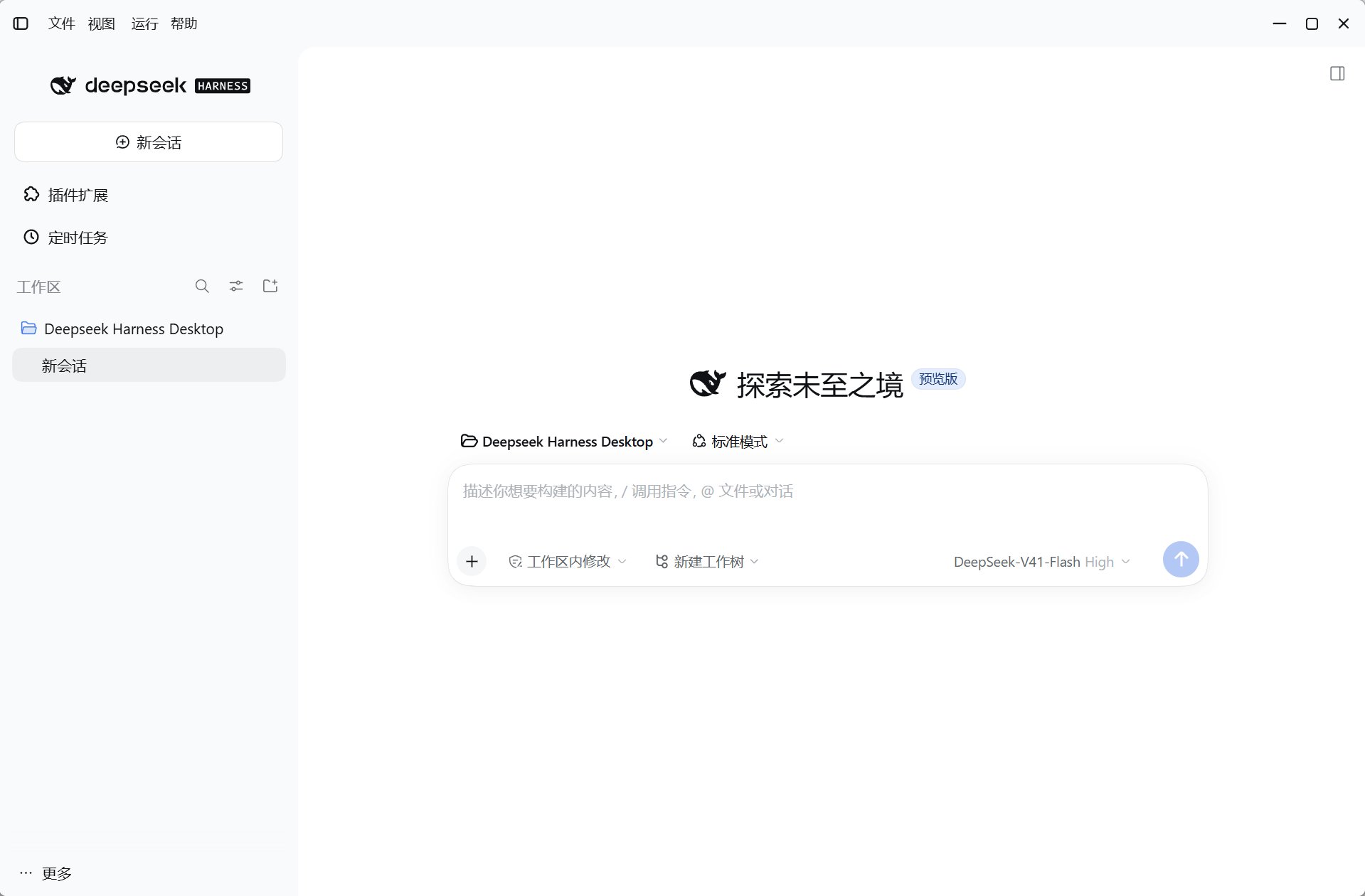
Choose a workspace
Open the target repository or directory and confirm the displayed path. Git features require Git installed on your system.
2
Create a session
Choose a model and describe the expected result, prohibited operations, and verification. Keep each session focused on one clear objective.
3
Review results
Inspect tool activity, file diffs, and test results before deciding whether to commit, publish, or keep changes.
Separate concurrent changes with worktrees
The built-in worktree integration can create a separate Git worktree and branch for a task, rather than writing directly in the main checkout.- Explicitly request that the task run in a worktree.
- Review diffs, verification results, and uncommitted changes in the isolated session.
- To bring the work back to the local repository, explicitly approve checkout and name the target branch.
Safety boundaries
- A workspace path is not a permission sandbox; actual tool permissions and approvals apply.
- Git worktrees separate branches and files, not processes, networks, or credentials.
- Profiles separate configuration and plugin environments, not all session data.
- Keep secrets out of prompts, source, and public logs; review generated commands as code.