

dsh-tauri-scheduler creates an independent Agent session for each run.
- Task list
- New task
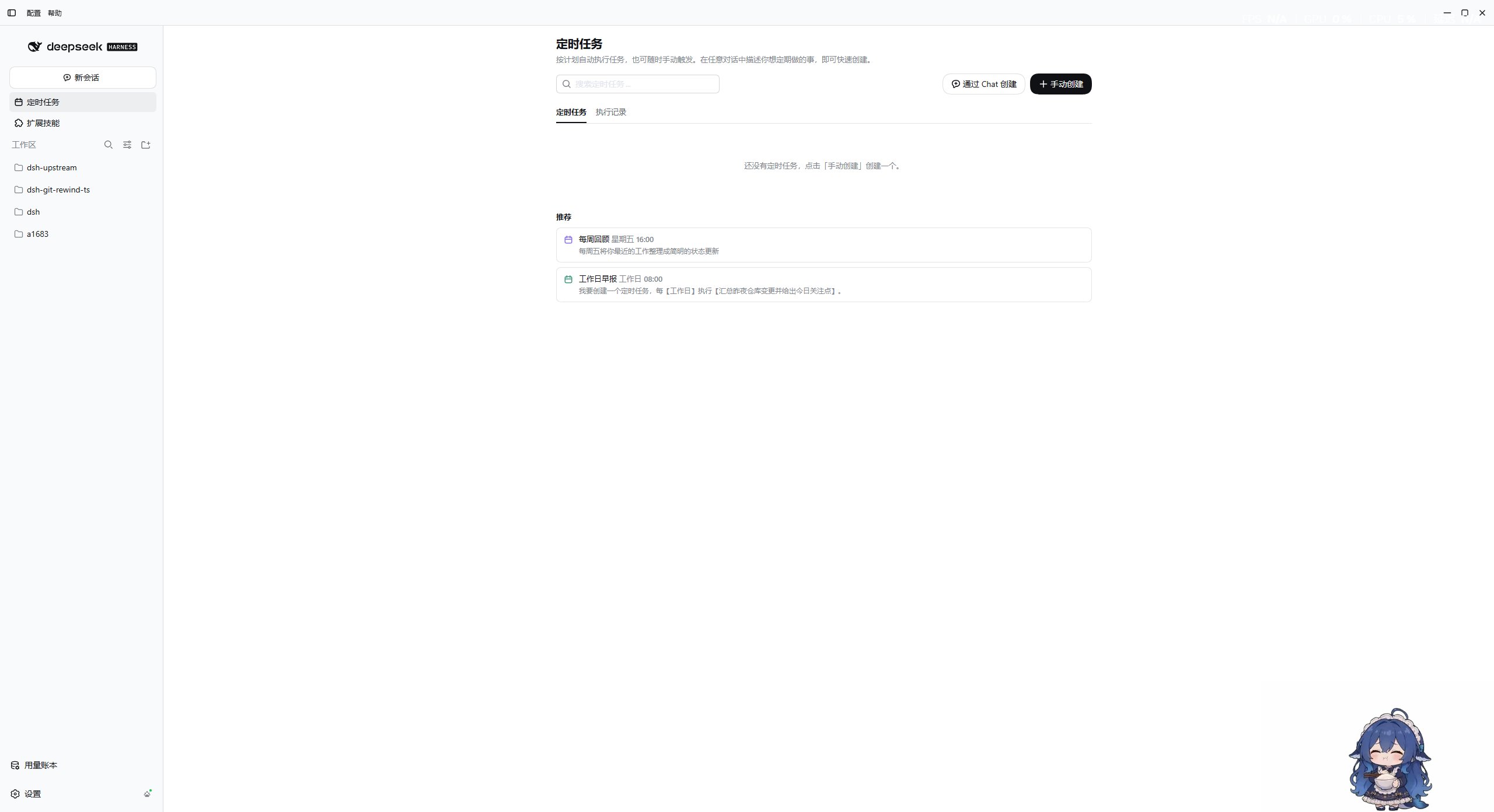
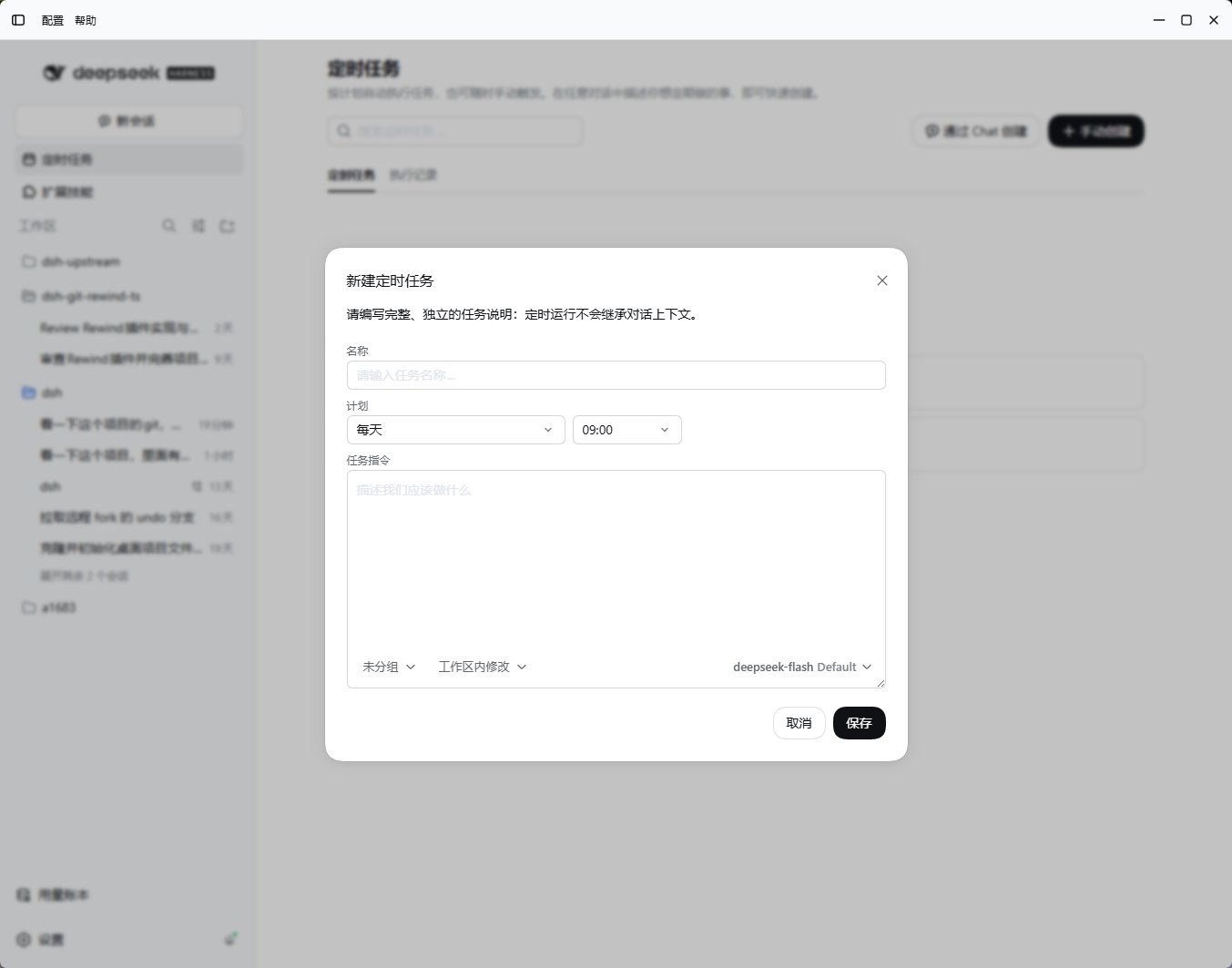
Create and manage
- Set a name, instruction, schedule, and target workspace.
- Review permissions; the default is
read-only. Optionally pin a provider, model, and reasoning effort. - Save and check the next run time; pause, resume, run immediately, or delete as needed.
- Review the Run history or open the associated session.
Chat tools:
scheduler_create, scheduler_list, scheduler_update, and scheduler_delete. Use scheduler_update with enabled to pause or resume, or run_now to run immediately.
Runtime boundaries
- Uses the computer’s local time zone; the computer must be awake and the host running.
- Runs up to 4 tasks concurrently, with a 30-minute limit per run.
- Tasks and records live under
$DSH_HOME/crons/; the latest 200 run records are retained. - Host routes use
/api/desktop/dsh-tauri-scheduler.