

dsh-tauri-pet provides Pets and Codex tabs in Harness settings and controls a separate transparent, frameless pet window through the dsh-tauri bridge. Always-on-top and positioning behavior depend on the window system.
- Pets
- Codex
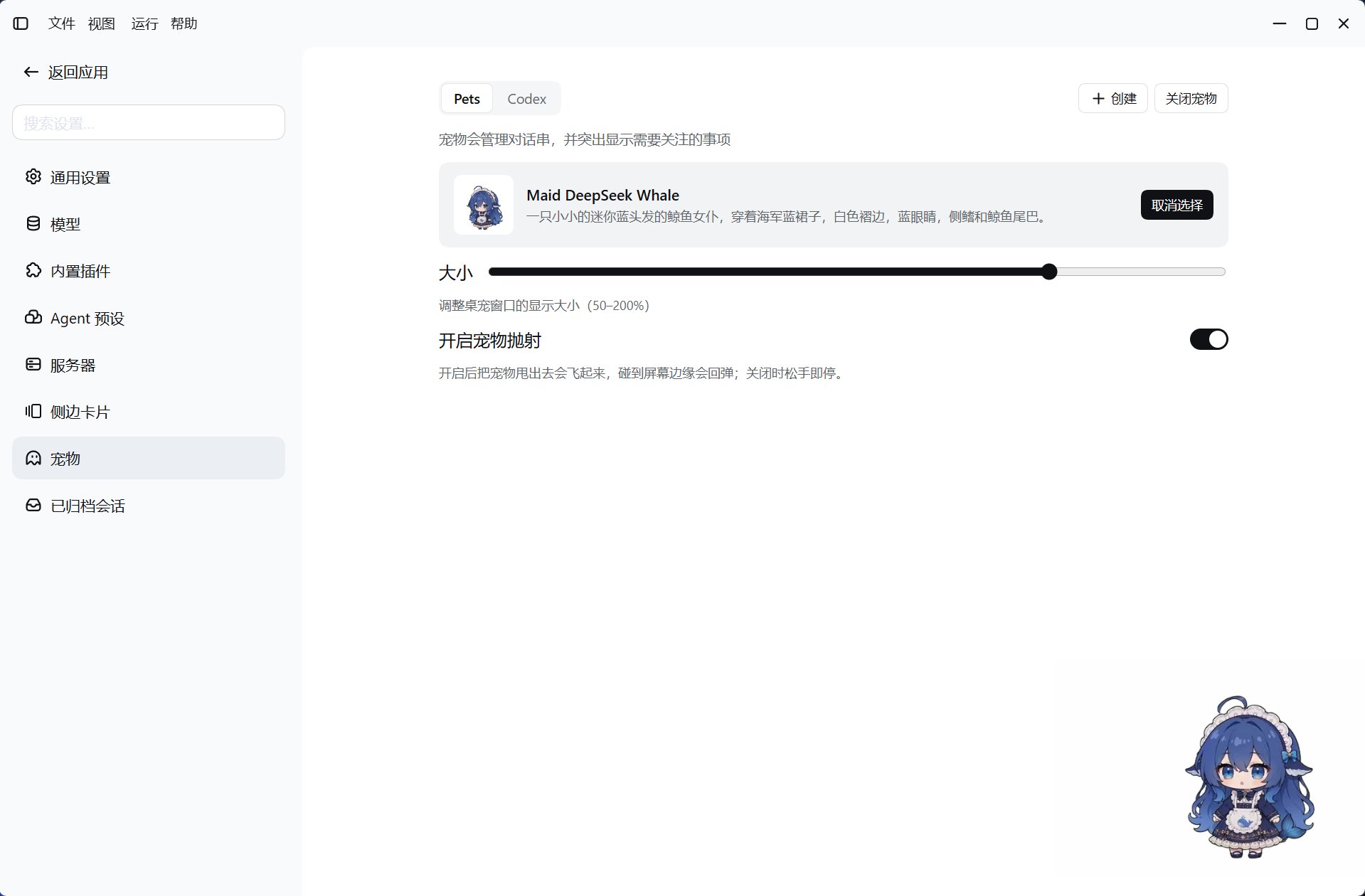
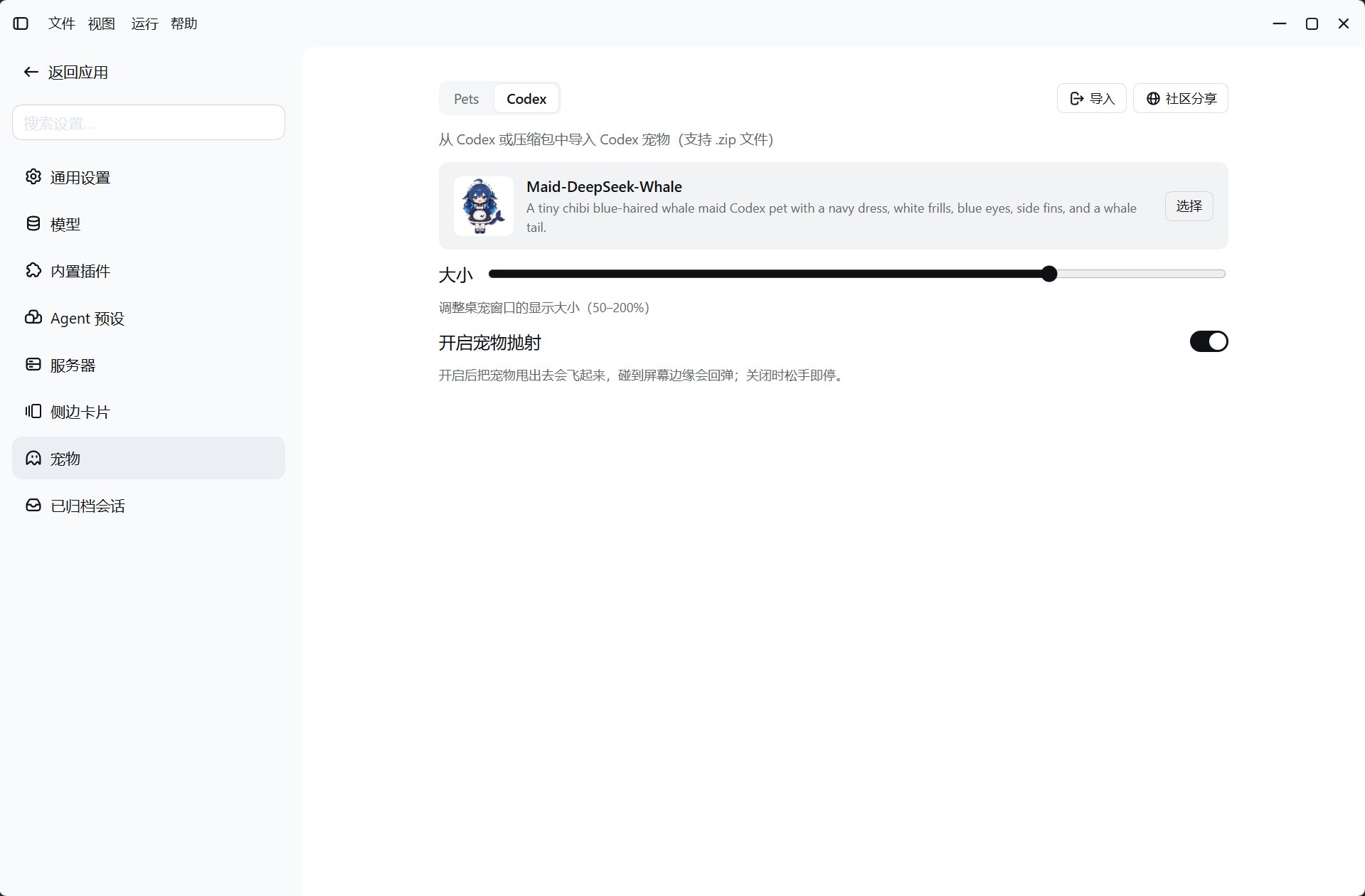
Select and enable a pet
1
Open pet settings
Open the pet section in Harness settings. Pets shows presets and local Chat pets; Codex shows local Codex pets and the ZIP import entry.
2
Choose a pet
A preset card’s enable action selects and enables the pet. Use the selection action for local pets. Deselecting a pet also closes an enabled window.
3
Adjust or close
Size ranges from 50–200%. The Pets tab and the menu containing Settings offer enable / close actions. Closing persists the disabled state, so restarting does not turn the pet back on.
Resource sources
Opening settings rereads the catalogs. Individual invalid local pets are skipped. ZIP imports write to the Codex directory and identify pets by their manifest ID. Duplicate IDs are rejected rather than overwriting existing pets.
Create your own pet
The plugin provides thehatch-dsh-pet skill under its own providerName: dsh-tauri-pet, without replacing other skill providers.
The creation entry requires an available project workspace. It opens a session with a /hatch-dsh-pet request prefilled, but does not send it. Review the draft before submitting it to have the Agent create a local Chat pet.
State and platform limits
- The enabled switch is saved in desktop settings; closing destroys the window. Both
enabledandvisiblederive from this switch. The latter is not an independent real-time window-visibility probe. - Native Wayland cannot guarantee pet positioning or always-on-top behavior. Force XWayland applies to the whole app, requires a restart, and may affect scaling and input methods.
- Preset assets require network access. Local Chat and Codex pets load from local resources.
Client bridge
State and selection useget_pet_status, set_pet_enabled, set_active_pet, and set_pet_size. Resources use list_pets, list_preset_pets, get_pet_asset, and import_pet. Native commands run through the desktop’s allowlisted bridge; ordinary browsers are not guaranteed native pet-window support.
View source