

Choose a profile
First installation creates and uses thetauri profile; web is the default profile started officially. Other profiles live under $DSH_HOME/profiles/<id>. Session data lives outside profiles, so switching profiles does not isolate all session history.
- Create or clone a profile in desktop Configuration → Profiles.
- Pause active tasks and record workspaces and uncommitted changes.
- Switch profiles, restart when prompted, and check models and plugins.
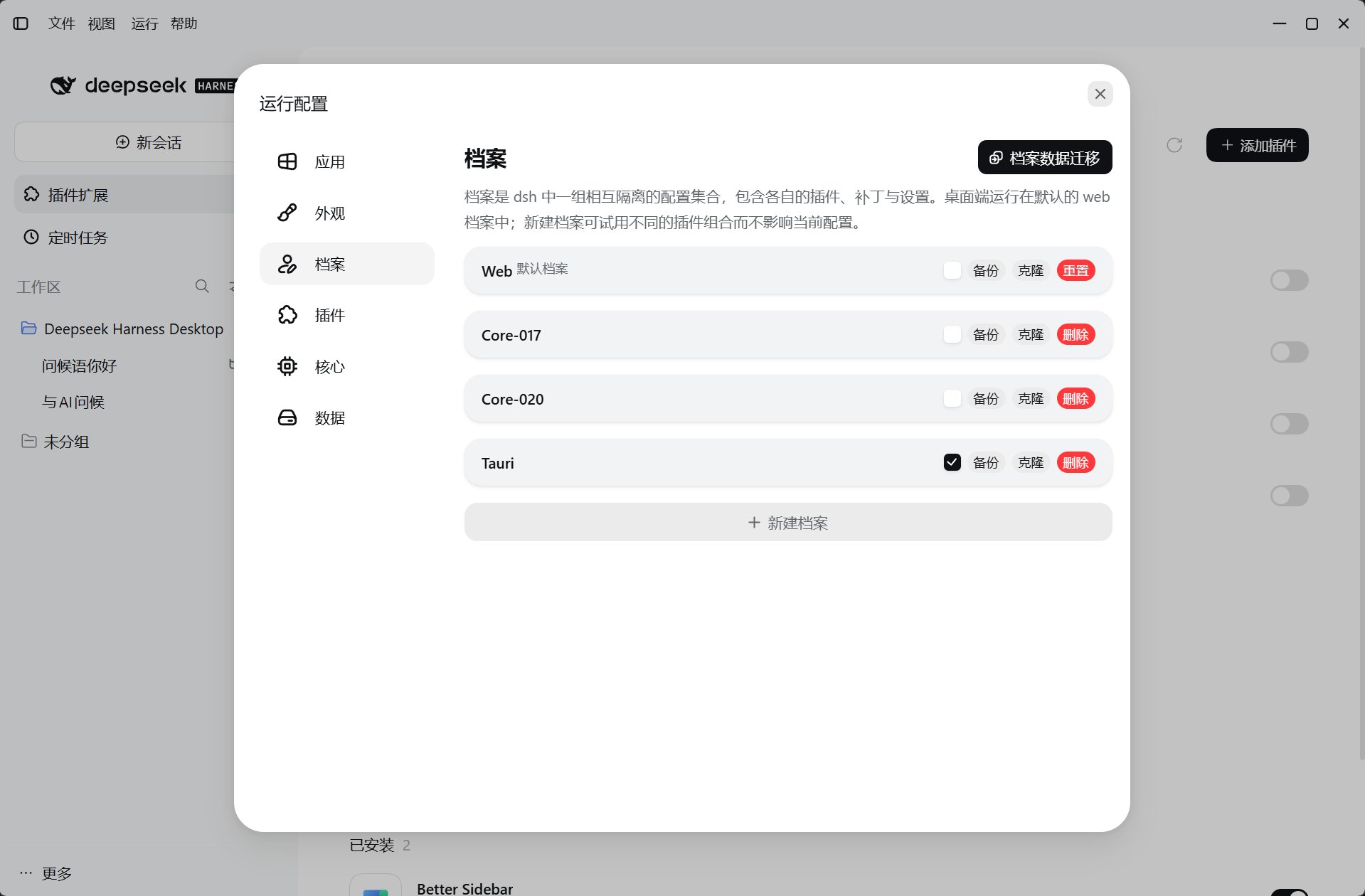
Migrate profile data
When the official core has a cross-version upgrade, the desktop recommends a new profile, but that new profile loses plugins and related configuration. Choose Migrate profile data in Profiles to move plugins and profile data safely.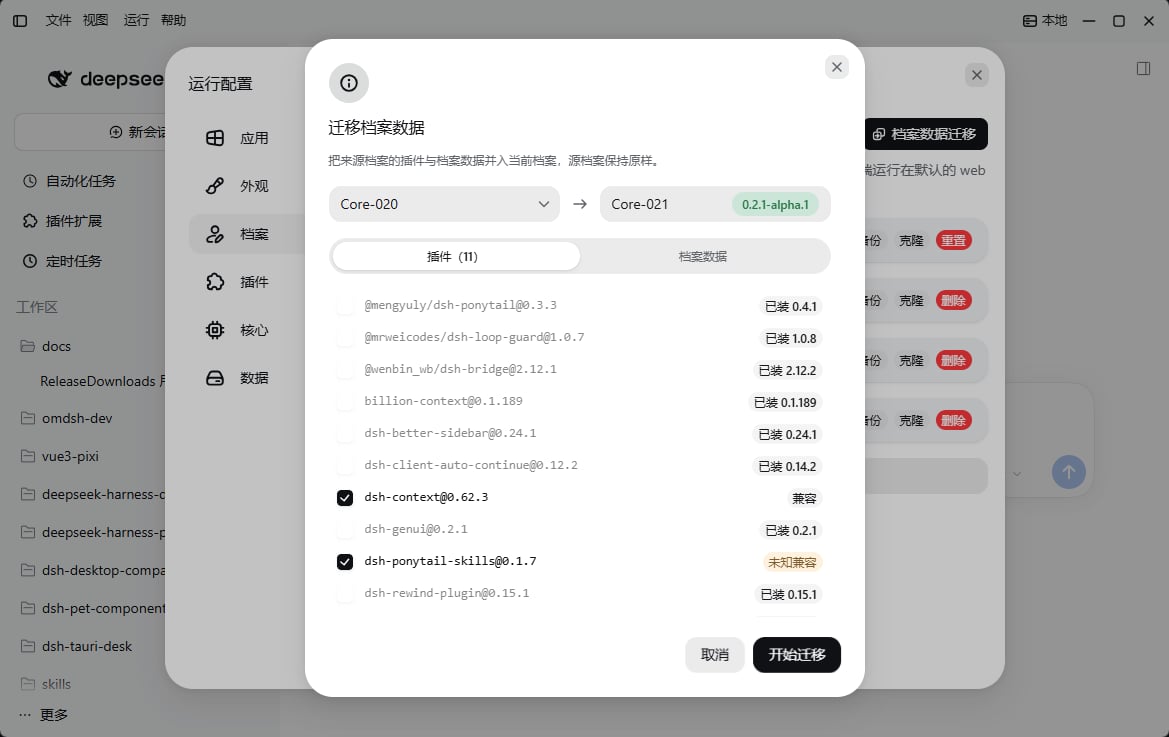
Choose a core
Cores come from every version published in the official GitHub Releases and are packaged automatically by deepseek-harness-pkg. Different cores affect plugin compatibility.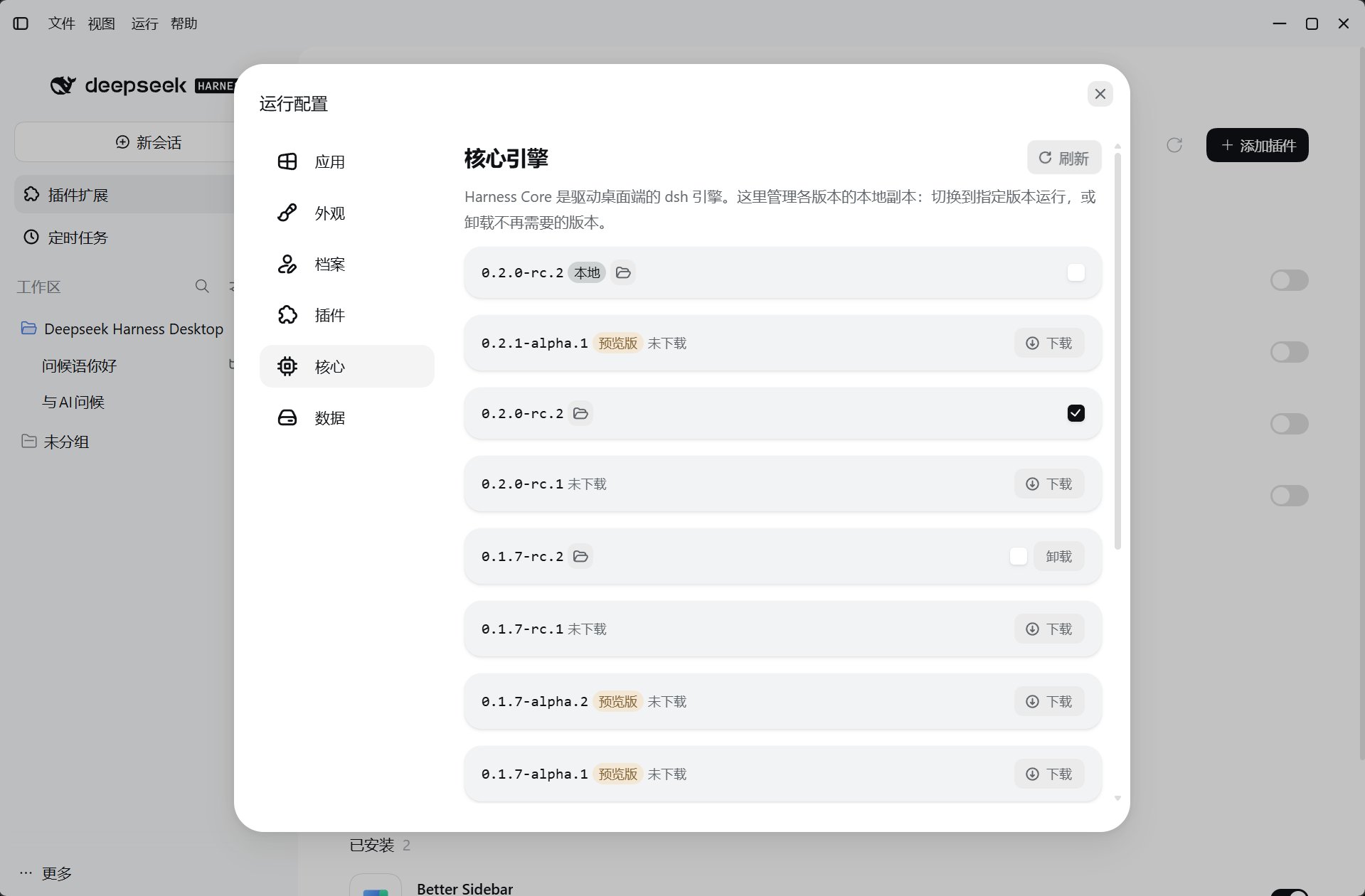
The current recommended core is
0.2.0-rc.2; the minimum accepted version is 0.1.5-rc.1. Desktop and plugin compatibility rules still filter the version list; not every upstream version is guaranteed to work.
Before switching or upgrading
- Finish or pause tool tasks, back up the profile, and check repository status.
- Choose a compatible core; follow any prompt to use a separate version profile.
- Wait for the service to restart, then check session connection, models, and plugins.
- If errors occur, preserve logs and try an installed compatible version before deleting data.