> ## Documentation Index
> Fetch the complete documentation index at: https://dshtauri.mintlify.site/llms.txt
> Use this file to discover all available pages before exploring further.
# Quickstart
> Run DeepSeek Harness locally in a lightweight, zero-setup desktop app.
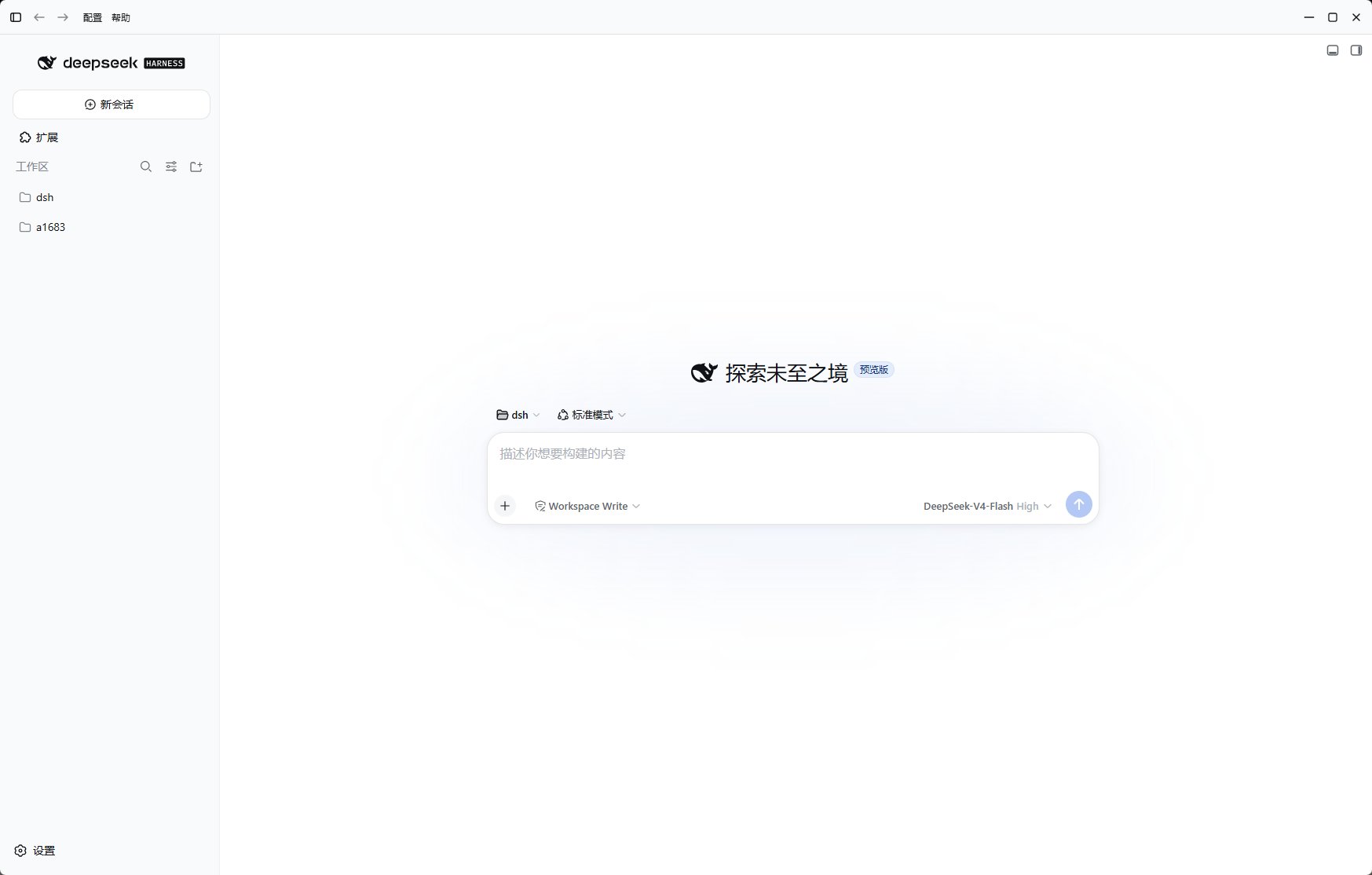
DeepSeek Harness Desktop packages the local runtime, Harness core, plugin management,
and updates behind a native Tauri shell. Install it and start working—without setting
up Node.js, pnpm, or Docker yourself.
 Choose the right installer for Windows, macOS, or Linux.
Let the app prepare its local runtime and open Harness.
Learn how the Tauri shell, Harness service, and plugins fit together.
## What the desktop app adds
* A native, lightweight Tauri 2 shell around the local Harness web interface.
* Guided runtime and Harness core installation with regional download fallbacks.
* Profile, core, and plugin controls in one bilingual interface.
* A registered `dsh` command for new terminal sessions.
* Built-in first-party desktop integrations and optional preset plugins.
* Desktop and Harness core updates without rebuilding your environment.
Harness can execute code on your computer. Use trusted repositories and plugins,
review requested permissions, and prefer isolated workspaces for untrusted code.
## Choose your path
Learn the everyday workflow for sessions, profiles, cores, and plugins.
Set up the React 19 and Rust/Tauri development environment.
Choose the right installer for Windows, macOS, or Linux.
Let the app prepare its local runtime and open Harness.
Learn how the Tauri shell, Harness service, and plugins fit together.
## What the desktop app adds
* A native, lightweight Tauri 2 shell around the local Harness web interface.
* Guided runtime and Harness core installation with regional download fallbacks.
* Profile, core, and plugin controls in one bilingual interface.
* A registered `dsh` command for new terminal sessions.
* Built-in first-party desktop integrations and optional preset plugins.
* Desktop and Harness core updates without rebuilding your environment.
Harness can execute code on your computer. Use trusted repositories and plugins,
review requested permissions, and prefer isolated workspaces for untrusted code.
## Choose your path
Learn the everyday workflow for sessions, profiles, cores, and plugins.
Set up the React 19 and Rust/Tauri development environment.