> ## Documentation Index
> Fetch the complete documentation index at: https://dshtauri.mintlify.site/llms.txt
> Use this file to discover all available pages before exploring further.
# First run
> Prepare the local runtime, choose plugins, and open Harness for the first time.
The initial setup prepares a local Harness service and then loads its web interface
inside the desktop window.
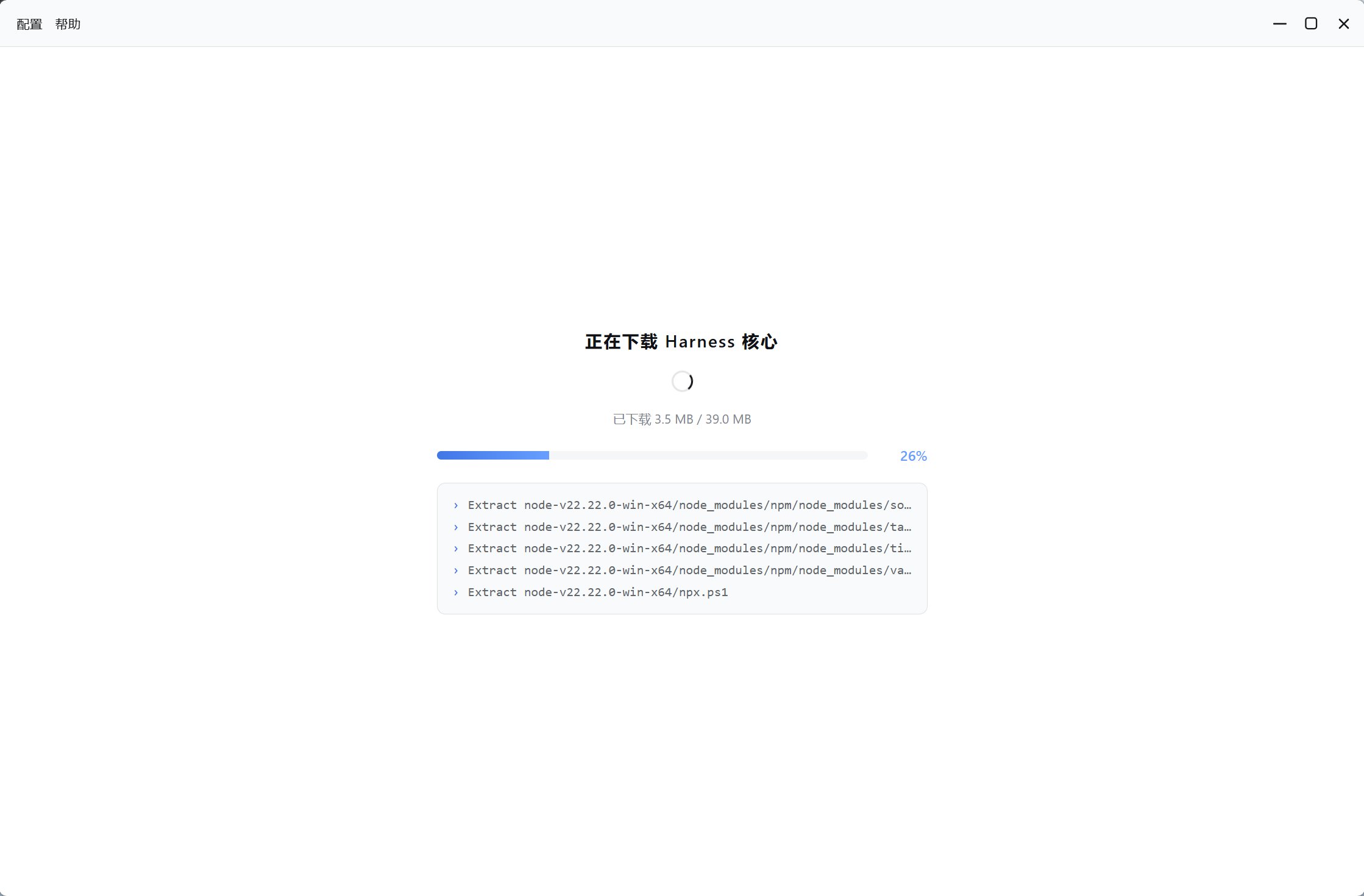
The desktop app checks for a compatible local Node.js and Harness core. When one is
unavailable, it downloads the managed runtime and prebuilt core.
Keep the app open while it downloads and verifies the required files. An official
GitHub asset is tried first; supported downloads can fall back to a mirror.
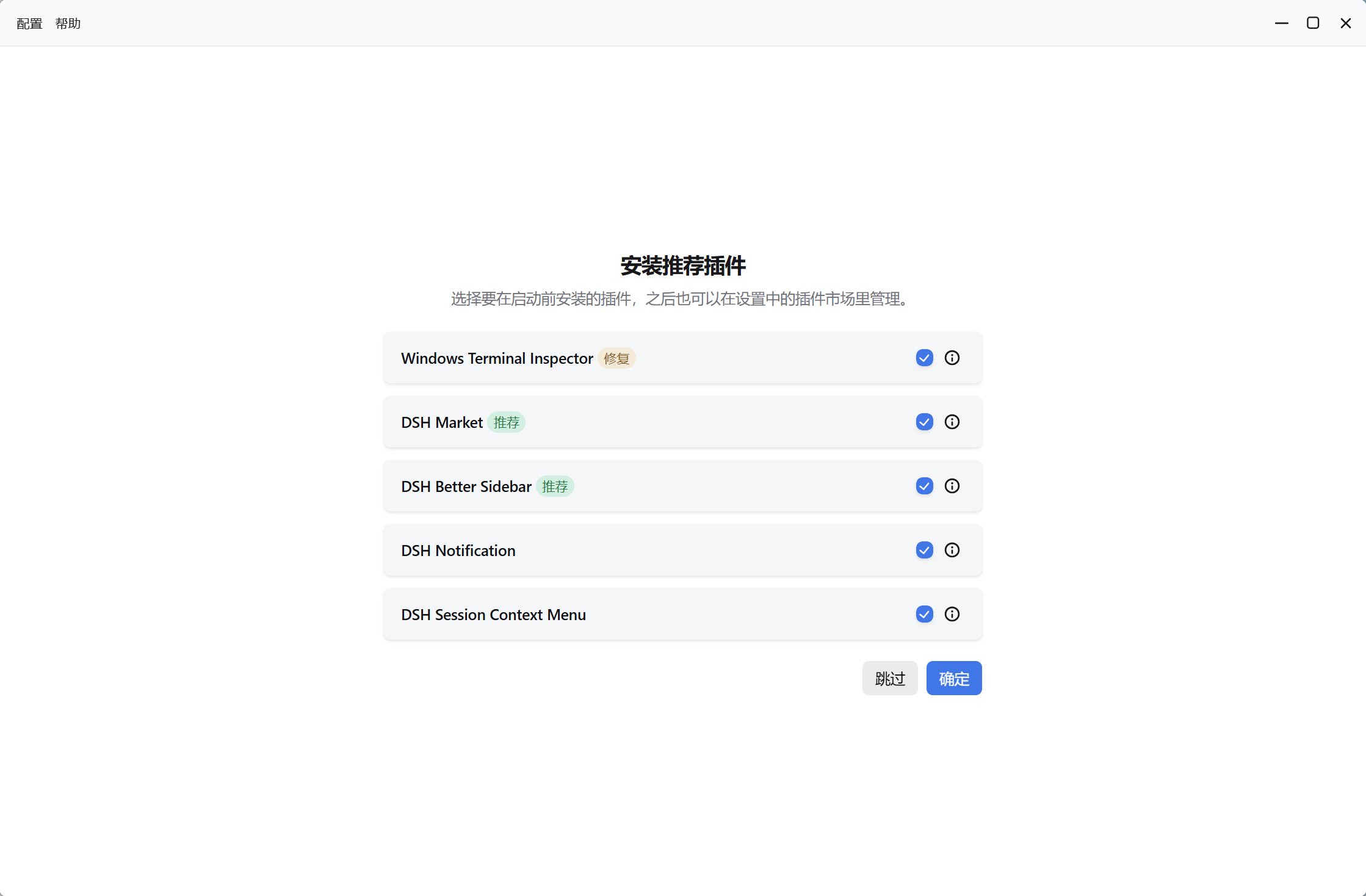
Select optional integrations from the guided list. You can skip them and revisit
plugin management later.
The app starts a loopback-only service, normally at `http://127.0.0.1:3080`, and
embeds it in the desktop window.
 ## What is installed
* A managed Node.js runtime when no compatible system runtime is available.
* A prebuilt `dsh` distribution published by `deepseek-harness-pkg`.
* pnpm and, where needed, supporting command-line tools.
* Required first-party internal plugins.
* Optional preset plugins you selected.
* A `dsh` command shim when CLI integration is enabled.
## Verify the setup
Open a **new** terminal after setup and run:
```bash theme={null}
dsh --help
```
The terminal must be reopened so it can read the updated `PATH`. The desktop window
should show the Harness session interface rather than the installer screen.
If the configured port is busy, the service can choose a higher available port. The
app returns to your preferred port on a later launch when it becomes available.
If setup does not complete, see [Troubleshooting](../help/troubleshooting). Otherwise,
continue with [Configure a model](./configure-model).
## What is installed
* A managed Node.js runtime when no compatible system runtime is available.
* A prebuilt `dsh` distribution published by `deepseek-harness-pkg`.
* pnpm and, where needed, supporting command-line tools.
* Required first-party internal plugins.
* Optional preset plugins you selected.
* A `dsh` command shim when CLI integration is enabled.
## Verify the setup
Open a **new** terminal after setup and run:
```bash theme={null}
dsh --help
```
The terminal must be reopened so it can read the updated `PATH`. The desktop window
should show the Harness session interface rather than the installer screen.
If the configured port is busy, the service can choose a higher available port. The
app returns to your preferred port on a later launch when it becomes available.
If setup does not complete, see [Troubleshooting](../help/troubleshooting). Otherwise,
continue with [Configure a model](./configure-model).