> ## Documentation Index
> Fetch the complete documentation index at: https://dshtauri.mintlify.site/llms.txt
> Use this file to discover all available pages before exploring further.
# DSH Tauri
> Understand the message bridge between native desktop navigation and the embedded Harness client.
`dsh-tauri` is the base bridge plugin for the desktop shell. Its host half adds no business
behavior. Its client half runs inside the Harness iframe and translates native navigation
into Harness layout and browser-history operations.
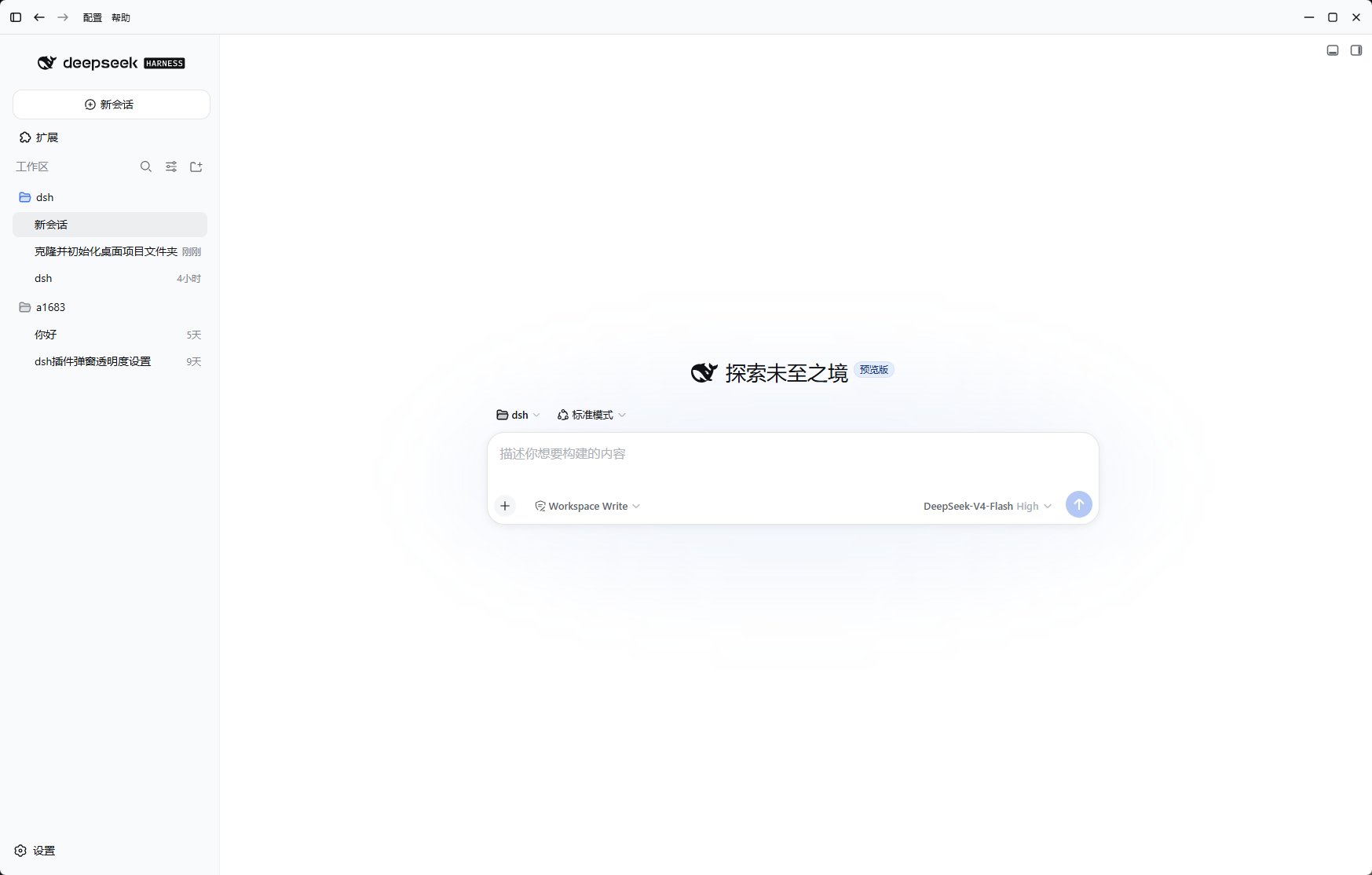 ## User-visible capabilities
* The native top bar expands or collapses the Harness sidebar.
* Back and forward buttons control embedded page history.
* Buttons disable automatically at history boundaries.
* The duplicate official collapse control is hidden so one action has one visible entry point.
## State synchronization
The plugin reports sidebar collapse state and back/forward availability to the desktop host.
It also reports its own failures so native controls do not remain visible while silently failing.
## Boundary
`dsh-tauri` only handles navigation messages and state. It does not manage profiles, cores,
plugin installation, or the filesystem. Harness can still run without it, but the native top
bar omits navigation buttons that depend on the bridge.
[View source](https://github.com/dsh-tauri-desk/dsh-tauri-plugins/tree/main/packages/dsh-tauri)
## User-visible capabilities
* The native top bar expands or collapses the Harness sidebar.
* Back and forward buttons control embedded page history.
* Buttons disable automatically at history boundaries.
* The duplicate official collapse control is hidden so one action has one visible entry point.
## State synchronization
The plugin reports sidebar collapse state and back/forward availability to the desktop host.
It also reports its own failures so native controls do not remain visible while silently failing.
## Boundary
`dsh-tauri` only handles navigation messages and state. It does not manage profiles, cores,
plugin installation, or the filesystem. Harness can still run without it, but the native top
bar omits navigation buttons that depend on the bridge.
[View source](https://github.com/dsh-tauri-desk/dsh-tauri-plugins/tree/main/packages/dsh-tauri)